
The Free CRM Software That Puts You in Control
Timeline CRM is a powerful desktop CRM application that runs entirely on your computer. No cloud subscriptions, no monthly fees, no internet required. Manage your leads, customers, deals, invoices, and entire sales pipeline from one simple application — and keep all your data private and secure on your own machine.
Windows 10/11 • 64-bit • No signup required
Developed By
Timeline Digital Solutions
For customized software or apps, contact Timeline Digital Solutions. We build practical business software, CRM systems, and tailored digital tools for real-world business operations.
Every Feature You Need,
Zero Cost
Timeline CRM packs a complete suite of business management tools into one free desktop application. From lead capture to invoice generation, every module is designed to help small businesses operate more efficiently without paying for expensive cloud subscriptions.
Dashboard
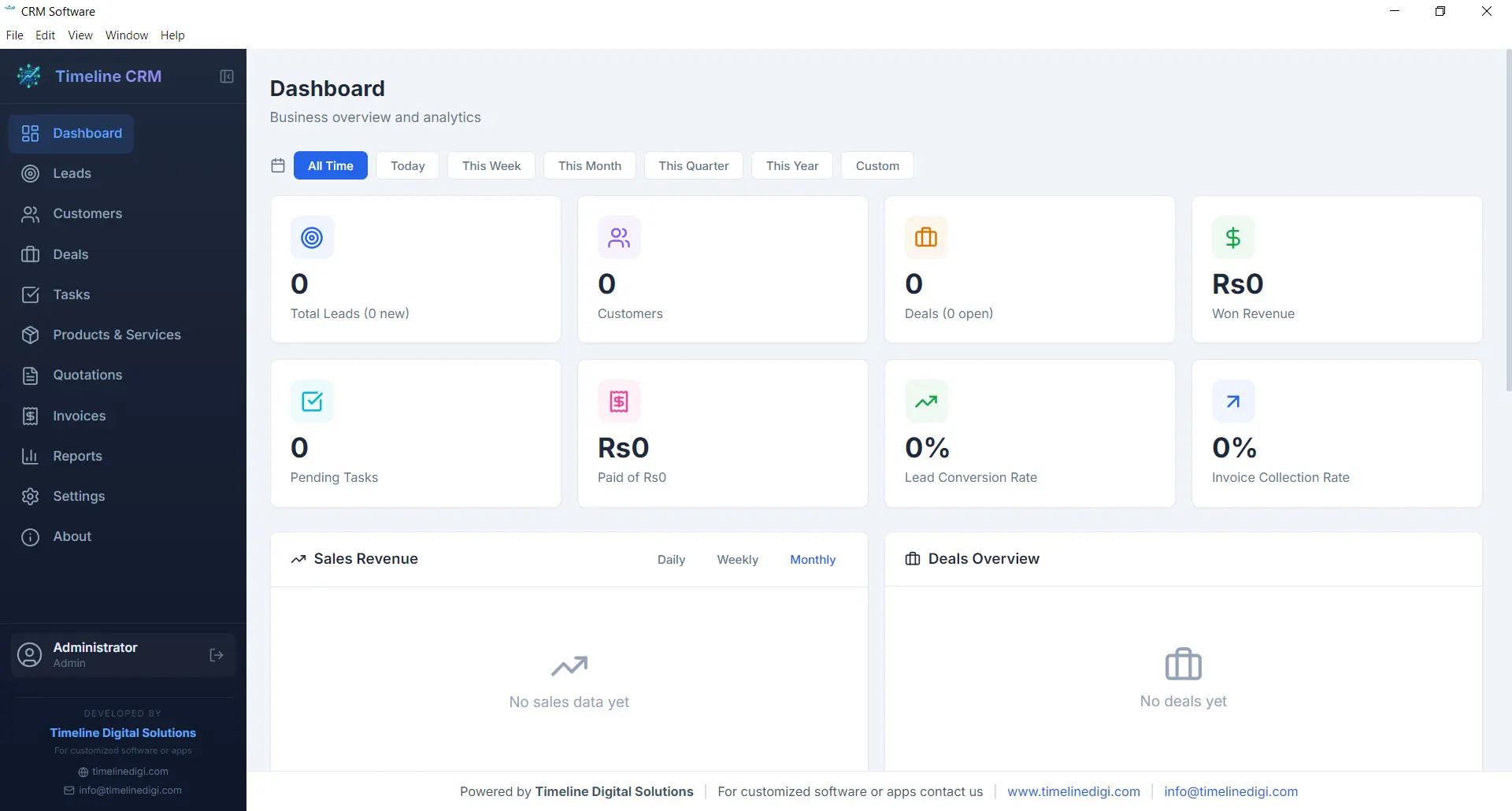
The Dashboard is your command center. Every time you open Timeline CRM, you are greeted with a comprehensive overview of your business performance. Key metrics are displayed prominently so you can gauge the health of your sales pipeline, track revenue trends, and identify areas that need attention — all without clicking through multiple screens.
Visual charts and summary cards present your data in an easy-to-digest format. Whether you want to see how many new leads came in this week, what your total deal value looks like, or which tasks are overdue, the Dashboard surfaces that information instantly. It is the first thing you see and the fastest way to stay on top of your business.
- Real-time business metrics and KPI cards
- Sales pipeline distribution chart
- Recent activity feed and upcoming tasks
- Revenue and lead trend visualizations
Leads
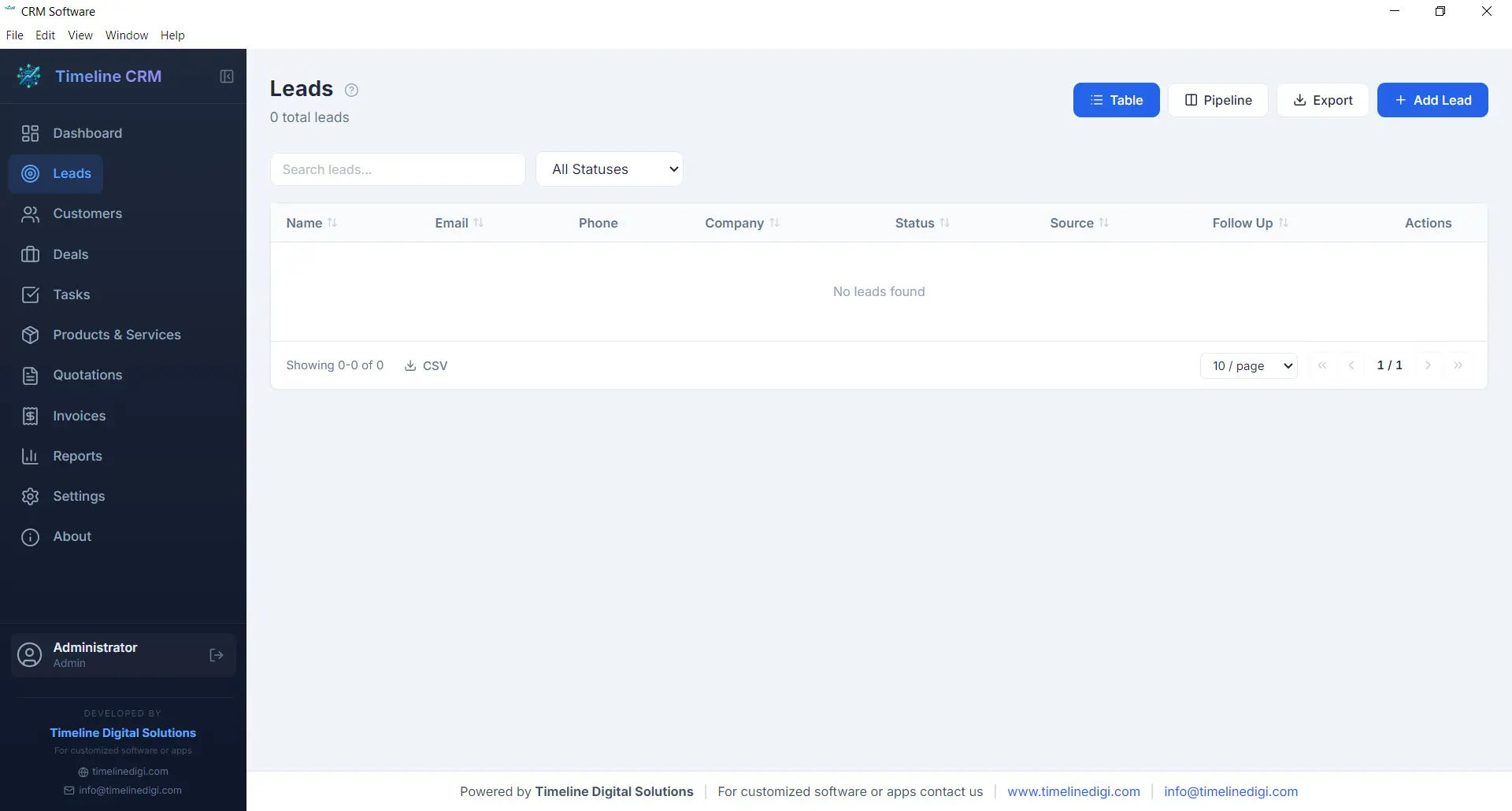
The Leads module is where every potential customer relationship begins. Capture new leads with detailed contact information, company details, and source tracking. Each lead is placed into a structured seven-stage pipeline — New, Contacted, Qualified, Proposal, Negotiation, Won, and Lost — so you always know exactly where every prospect stands in your sales process.
As you work with each lead, you can log phone calls, record meeting notes, attach documents, and track every interaction. This complete history ensures that no context is lost when you follow up days or weeks later. The pipeline view gives you a visual representation of your entire lead funnel, making it easy to spot bottlenecks and prioritize your outreach efforts.
- Seven-stage pipeline: New, Contacted, Qualified, Proposal, Negotiation, Won, Lost
- Call logging with date, duration, and notes
- Lead source and priority tracking
- Convert leads to customers with one click
Customers
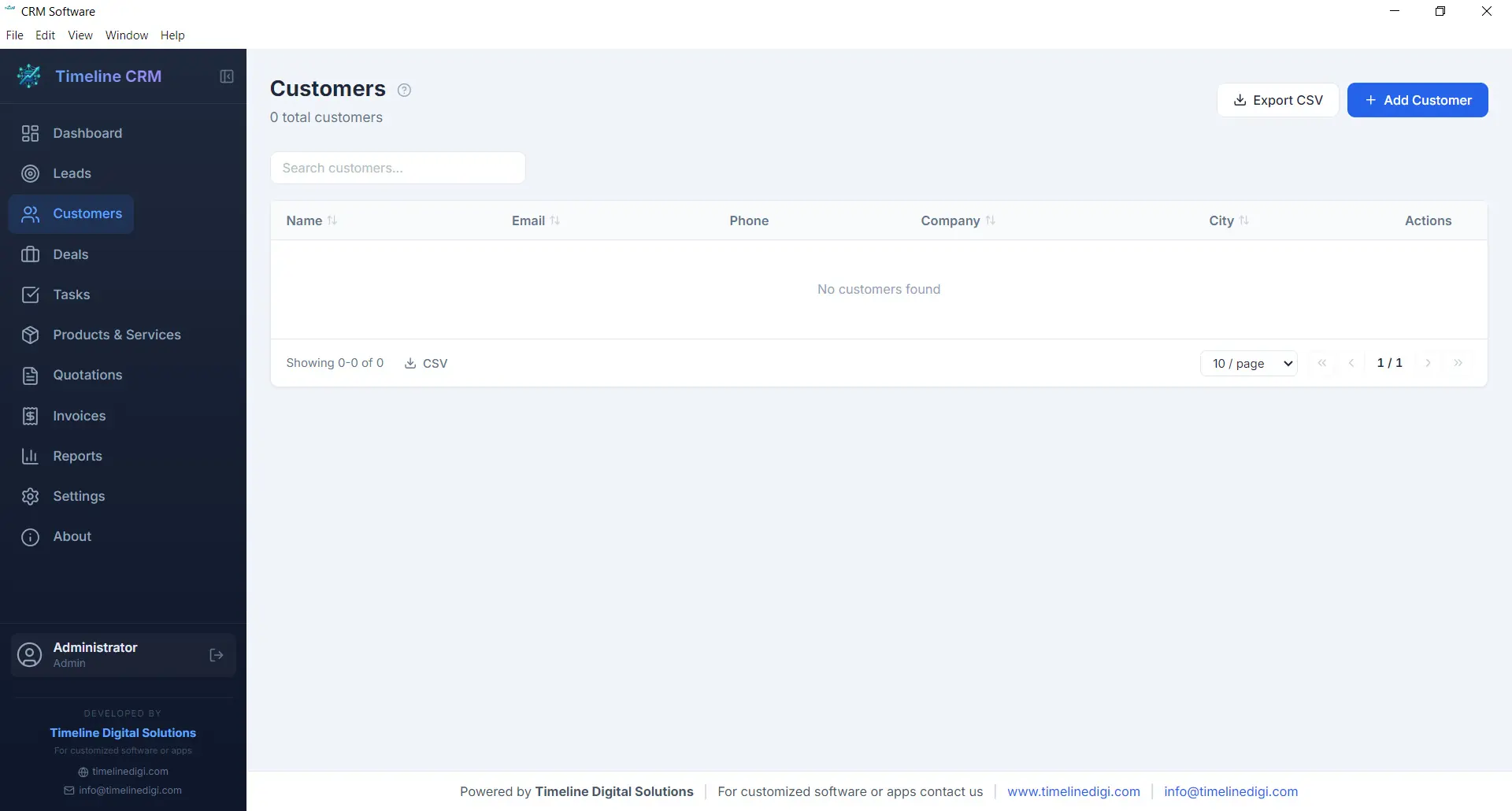
Your customers are the backbone of your business, and the Customers module helps you manage every relationship with care. Store comprehensive contact information, company details, billing addresses, and communication preferences in one organized record. When a lead is converted to a customer, all their history transfers automatically so nothing is lost in the transition.
Each customer profile acts as a hub connecting all related business data. Open any customer record and you can instantly view their associated deals, outstanding invoices, past quotations, and every note or interaction logged over time. This 360-degree view enables you to provide better service, anticipate needs, and build long-term relationships that drive repeat business.
- Complete contact and company profiles
- Full interaction and transaction history
- Linked deals, invoices, and quotations
- CSV export for customer data
Deals
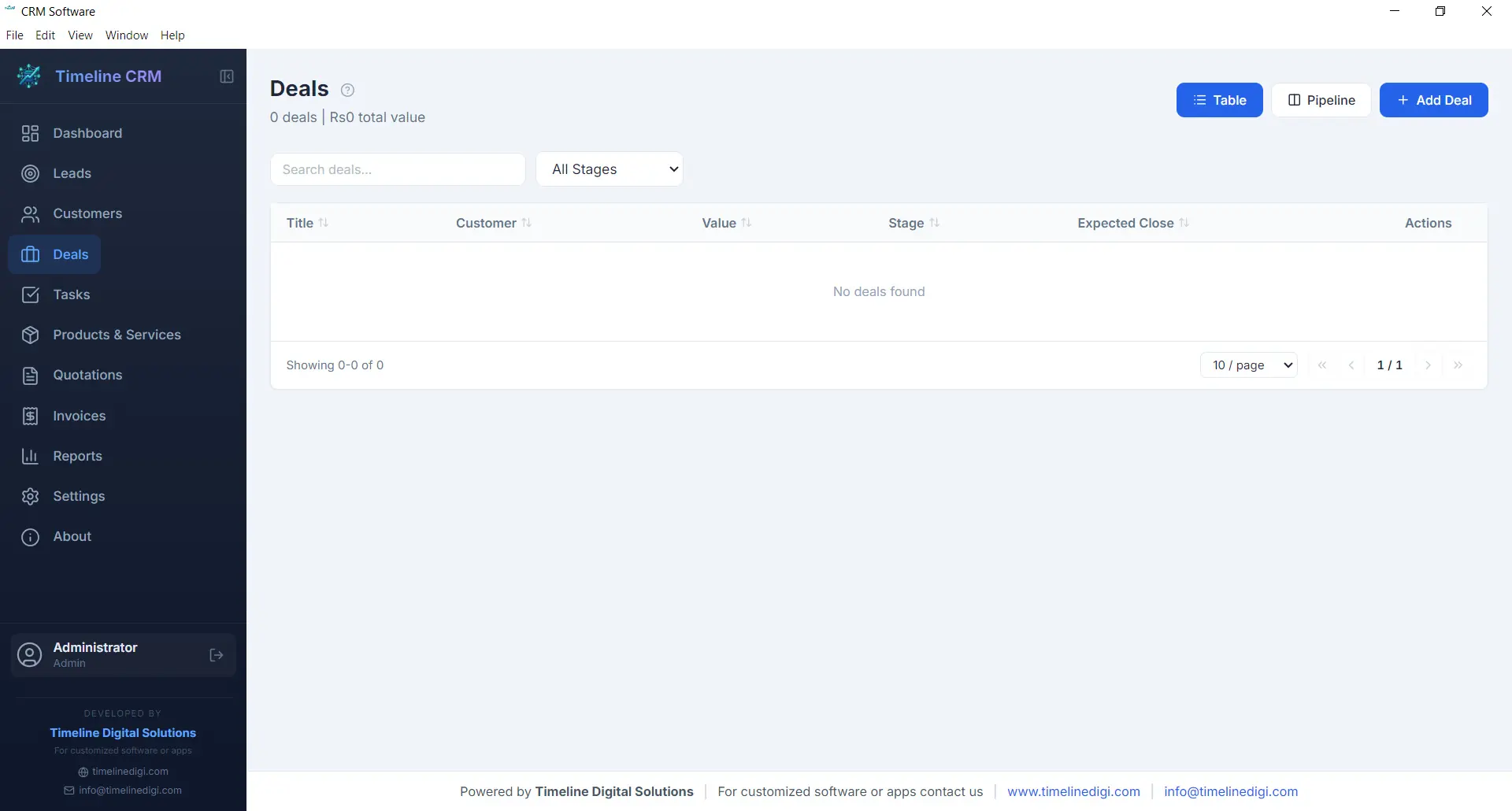
The Deals module tracks every sales opportunity from first conversation to closed contract. Each deal is assigned a monetary value, an expected close date, and a probability percentage, giving you accurate revenue forecasting at all times. The six-stage pipeline — Prospect, Qualification, Proposal, Negotiation, Won, and Lost — provides a clear visual workflow that keeps your sales process structured and predictable.
Deals are linked to specific customers and can reference related quotations, making it easy to track the progression from initial quote to final agreement. You can add notes, update stages with a single click, and monitor your weighted pipeline value to understand projected revenue. For business owners who need clarity on what money is coming in and when, the Deals module delivers that visibility.
- Six-stage pipeline: Prospect, Qualification, Proposal, Negotiation, Won, Lost
- Deal value, probability, and expected close date
- Revenue forecasting with weighted pipeline
- Linked to customers and quotations
Tasks
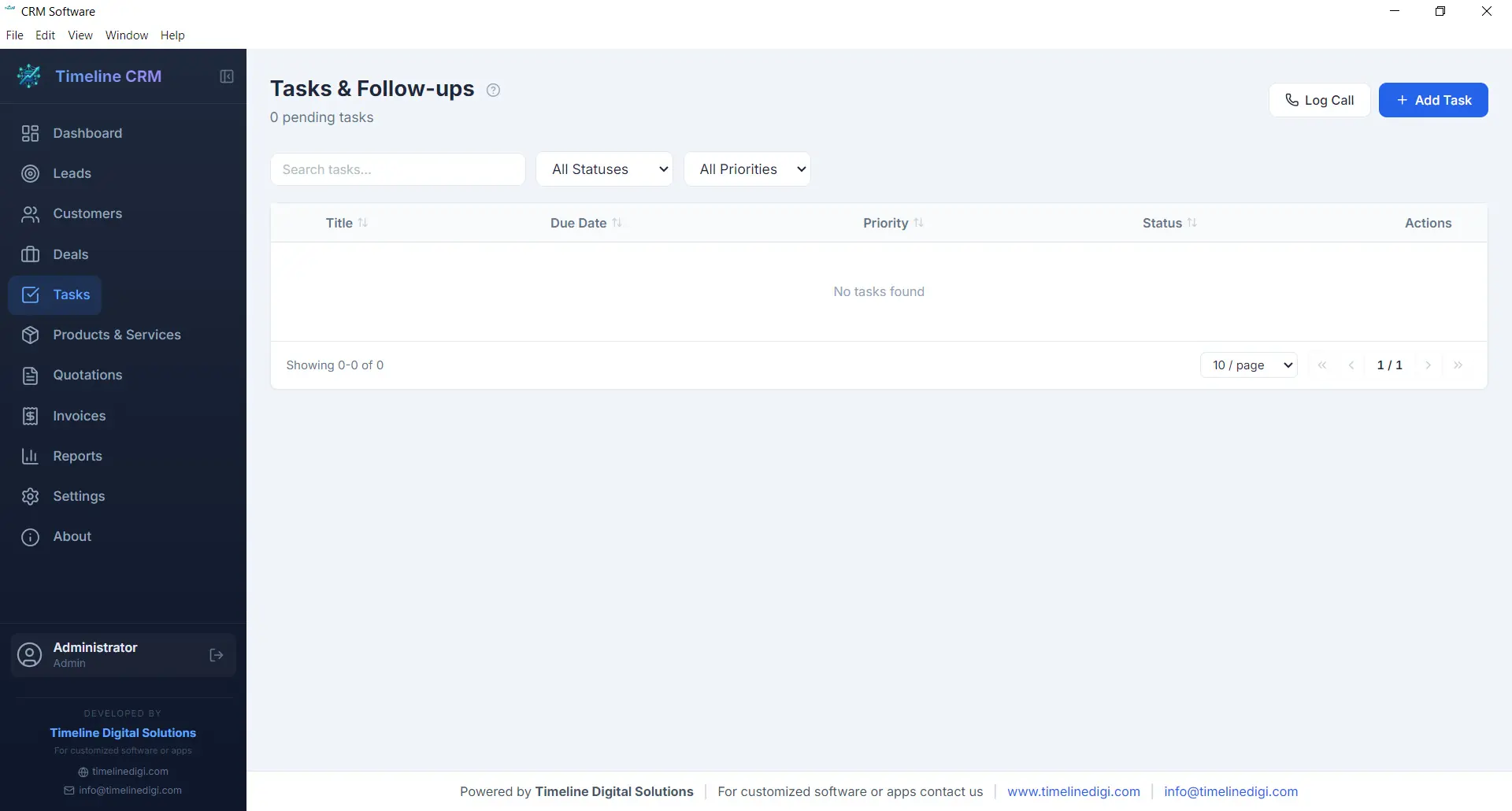
Staying organized is essential when you are managing multiple leads and deals simultaneously. The Tasks module gives you a straightforward way to create, prioritize, and track action items that keep your business moving forward. Each task can include a title, description, due date, priority level, and status, making it easy to see what needs attention right now.
Tasks can be linked to specific leads, customers, or deals, providing context about why the task exists and what it relates to. Whether you need to follow up with a prospect, prepare a proposal, or review an invoice, the Tasks module ensures nothing slips through the cracks. Overdue tasks are highlighted on the Dashboard so you can take action before opportunities are missed.
- Create tasks with due dates and priority levels
- Link tasks to leads, customers, or deals
- Status tracking: pending, in progress, completed
- Overdue task alerts on the Dashboard
Products
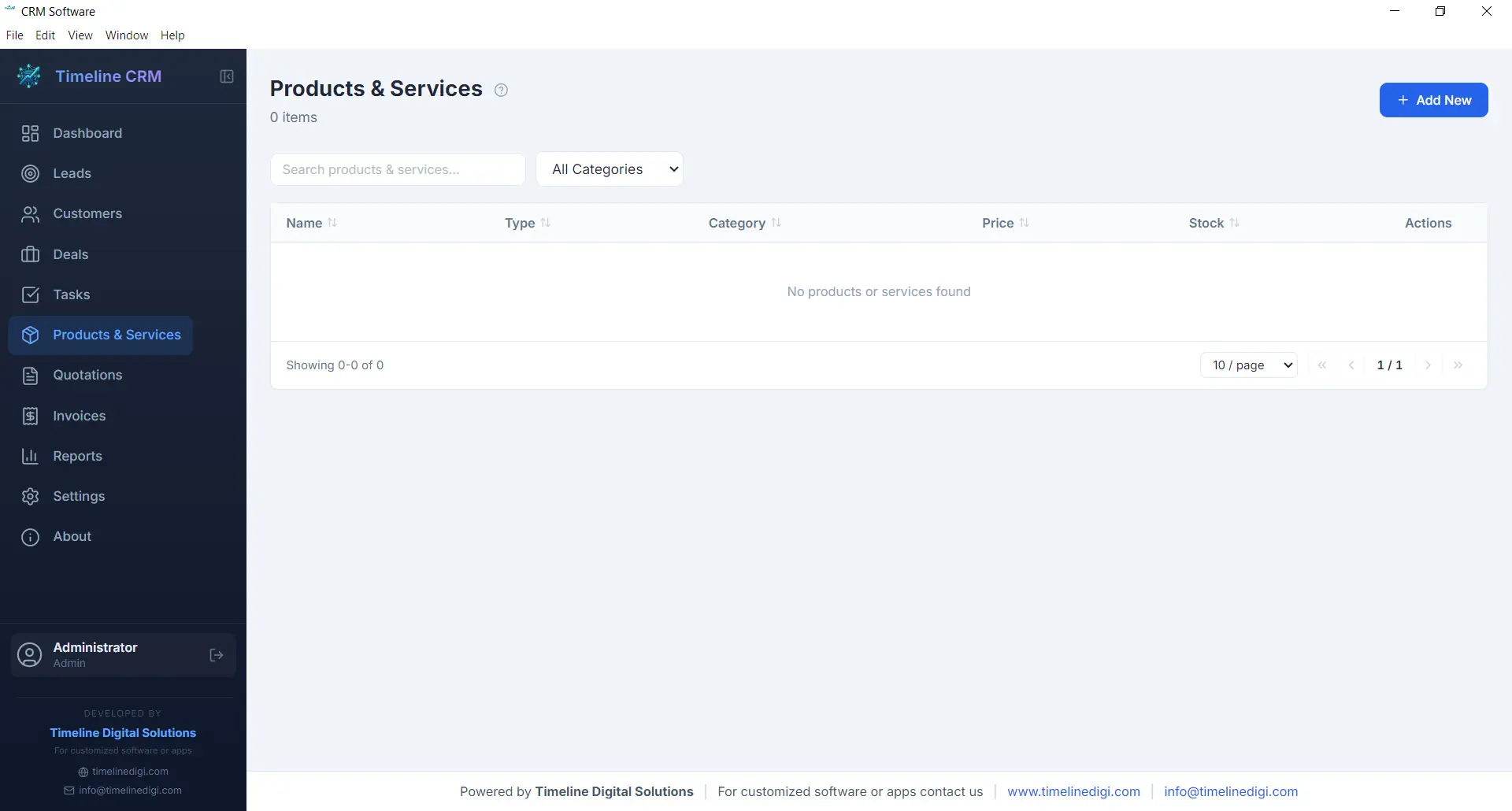
The Products module serves as your centralized catalog for everything your business sells, whether physical products, services, or subscription packages. Each product entry includes a name, description, unit price, and category, allowing you to build a well-organized inventory that feeds directly into your quotations and invoices.
Having a product catalog eliminates the repetitive task of manually entering item details every time you create a new quotation or invoice. Simply select products from your catalog, specify quantities, and the system handles the rest — including price calculations and line item formatting. This saves time, reduces errors, and ensures consistency across all your business documents.
- Centralized product and service catalog
- Name, description, price, and category fields
- Direct integration with quotations and invoices
- Unlimited product entries
Quotations
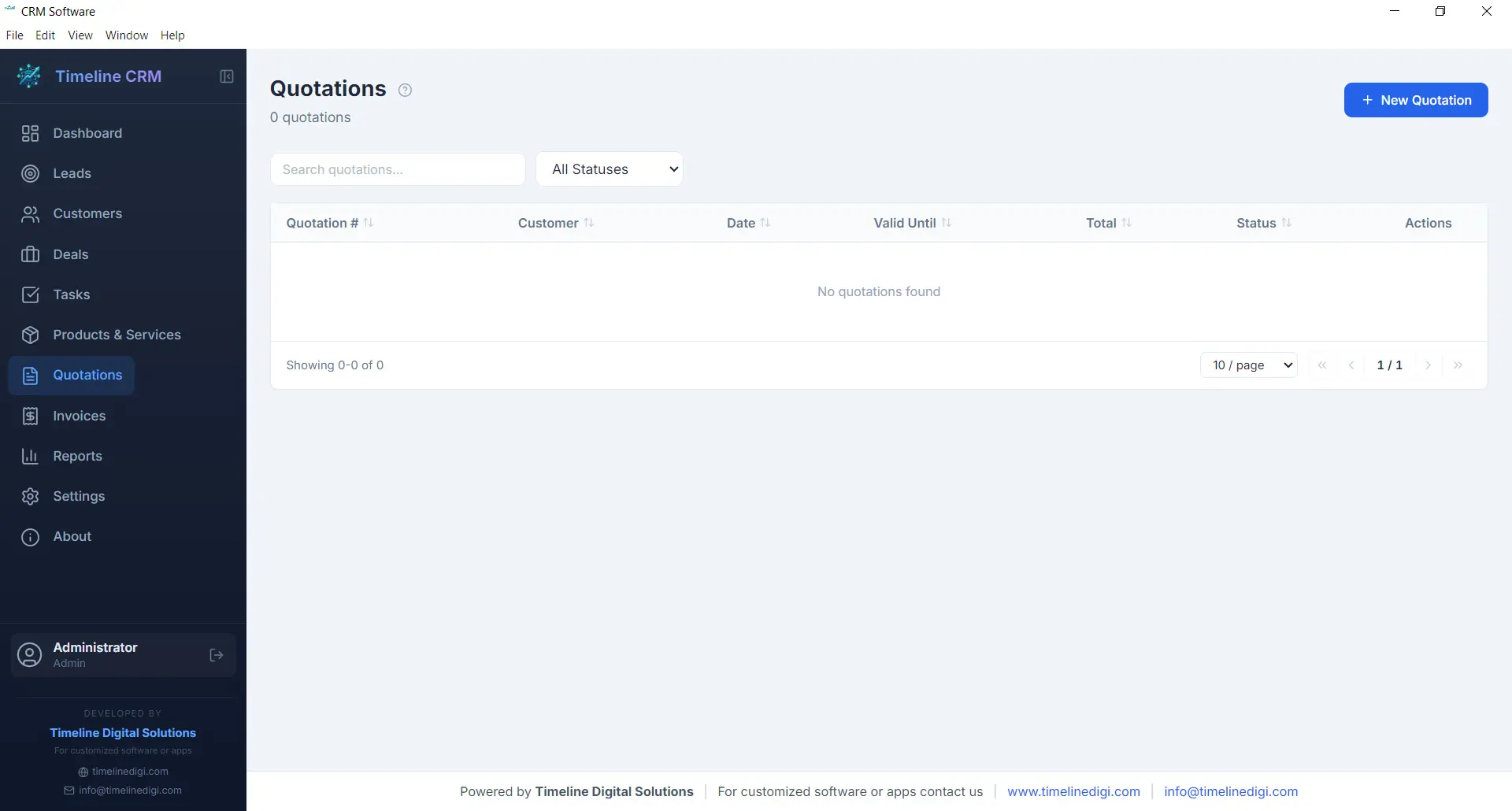
When a prospect is ready to hear your pricing, the Quotations module helps you respond quickly with a professional, branded document. Create quotations by selecting a customer, adding line items from your product catalog, adjusting quantities and pricing as needed, and generating a polished PDF in seconds. Auto-numbering ensures every quotation has a unique reference number for easy tracking.
Each quotation records the creation date, validity period, total amount, and current status. You can track whether a quote is pending, accepted, or rejected, giving you clear visibility into your conversion rates. Quotations can be linked to specific deals, so when a prospect accepts your quote, you can update the deal stage and move seamlessly toward closing the sale.
- Professional PDF quotation generation
- Auto-numbering with customizable prefix
- Line items from product catalog with quantity and pricing
- Status tracking: pending, accepted, rejected
Invoices
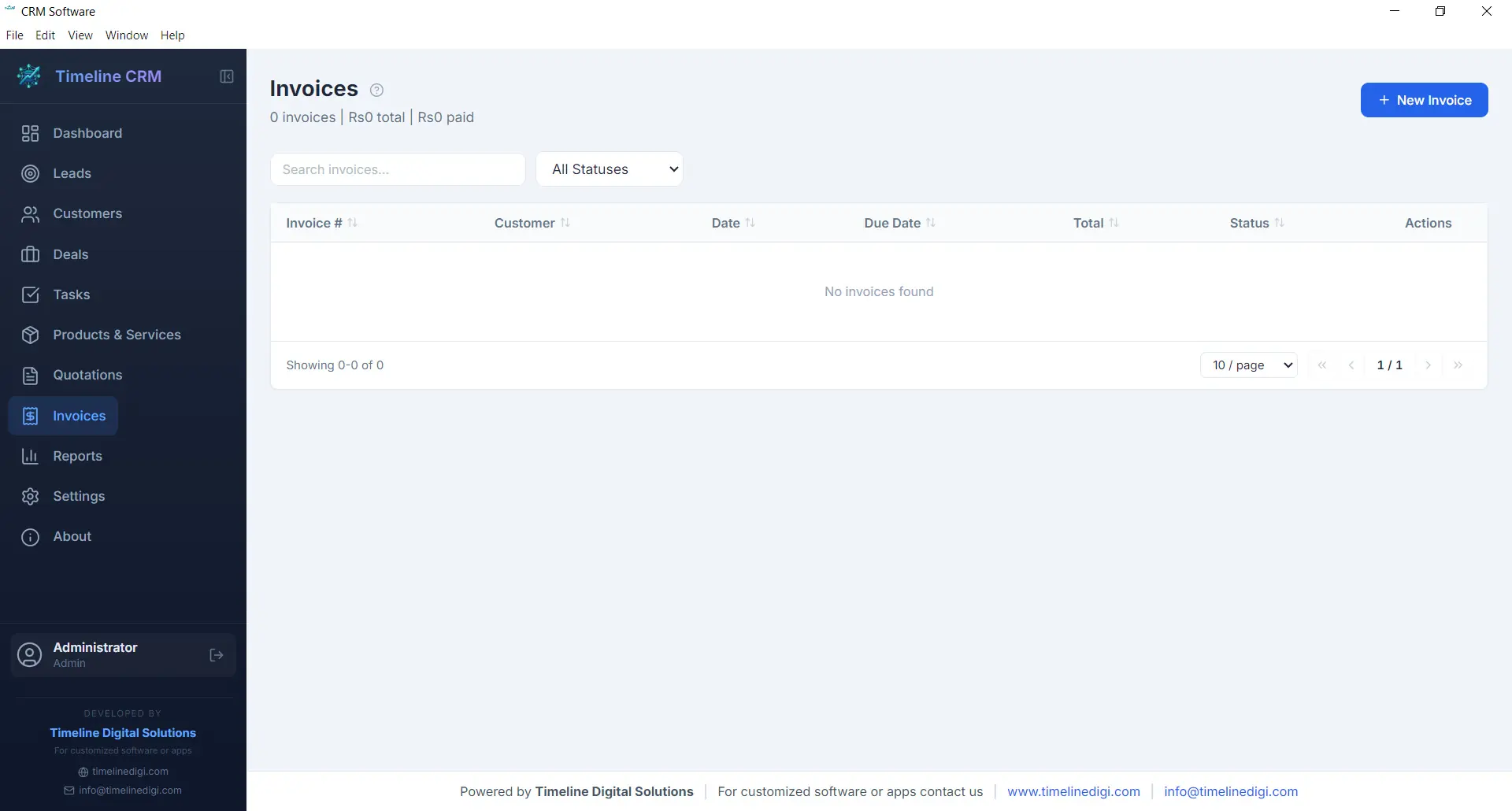
The Invoices module streamlines your billing workflow from creation to payment tracking. Generate detailed invoices with line items pulled from your product catalog, automatic tax calculations based on your configured rates, and professional formatting that represents your business well. Every invoice receives a unique auto-generated number for organized record keeping.
Track the payment status of each invoice — whether it is unpaid, partially paid, or fully settled — so you always know where your receivables stand. Export invoices as PDF documents to share with customers via email or print. The invoicing module works hand-in-hand with your customer and deal records, keeping your financial data connected to the rest of your business operations.
- PDF invoice generation with professional formatting
- Automatic tax calculations
- Payment status tracking: unpaid, partial, paid
- Auto-numbering with customizable prefix
Reports
Data-driven decisions lead to better outcomes, and the Reports module gives you the insights you need without requiring a data analyst. Generate reports on sales performance, lead conversion rates, revenue trends, and pipeline health. Each report presents your data in clear, readable formats that help you understand what is working and what needs improvement.
Reports can be exported as CSV files for further analysis in spreadsheet applications or for sharing with business partners and accountants. Whether you need a monthly sales summary, a breakdown of deals by stage, or an overview of your lead sources, the Reports module produces the numbers you need to steer your business confidently.
- Sales performance and revenue reports
- Lead conversion and pipeline analysis
- CSV export for external analysis
- Visual charts and data summaries

Settings
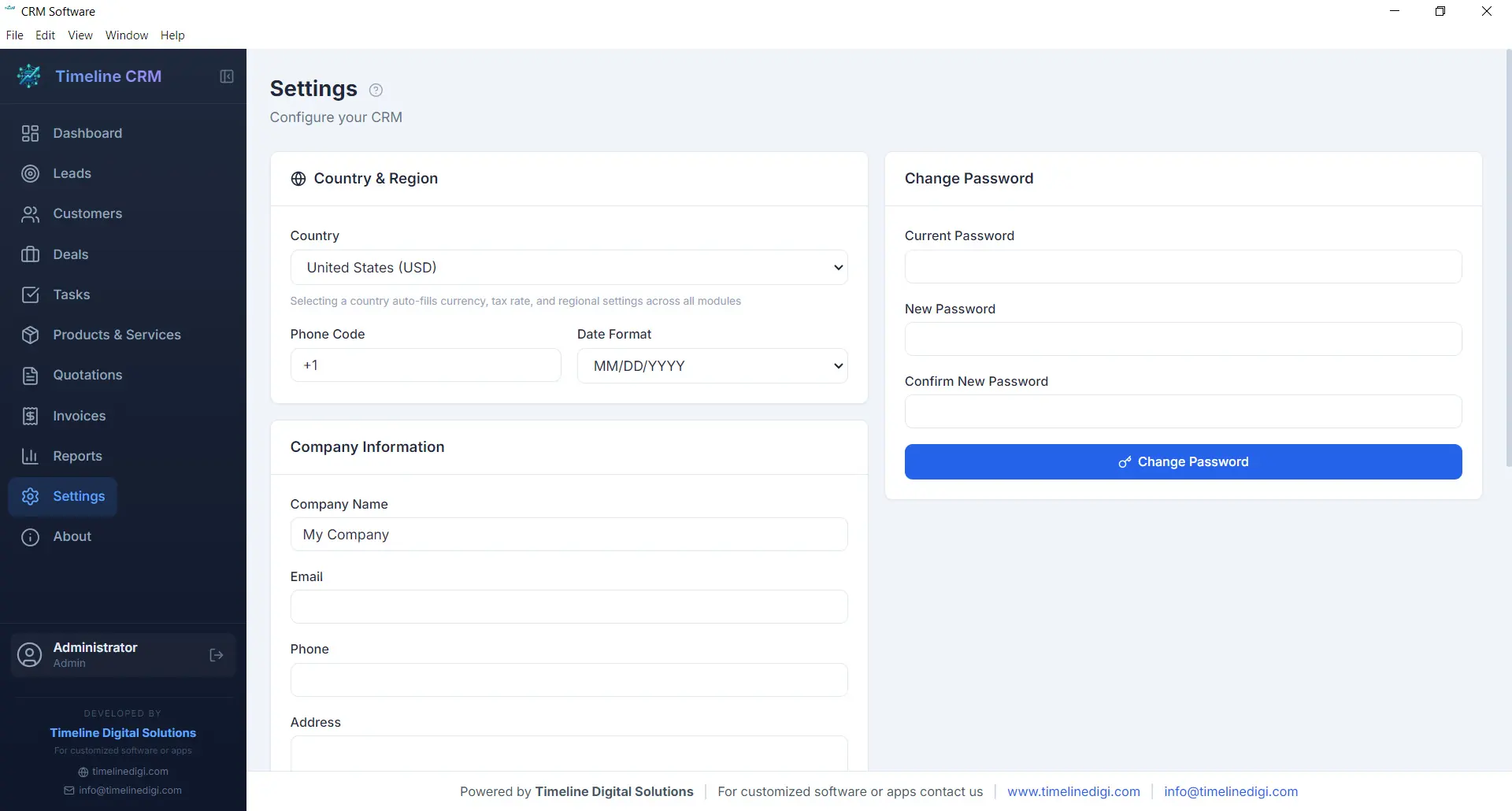
Every business has unique requirements, and the Settings module lets you tailor Timeline CRM to match yours. Configure your company name, logo, address, and contact details so that all generated documents — quotations and invoices — carry your branding. Set your preferred currency, tax rates, and country-based formatting to ensure financial calculations and number formats are correct for your region.
Customize auto-numbering prefixes for quotations and invoices to match your existing document numbering scheme. Adjust date formats, language preferences, and other display options to create a workspace that feels familiar and efficient. The Settings module is designed to be configured once and then work seamlessly in the background as you use every other module.
- Company profile and branding configuration
- Currency, tax, and country-based settings
- Auto-numbering prefix customization
- Date format and display preferences
Offline & Secure
Privacy and data ownership are fundamental principles of Timeline CRM. Unlike cloud-based CRM systems that store your sensitive business data on third-party servers, Timeline CRM keeps everything on your local machine. The application uses SQLite as its database engine, storing all your leads, customers, deals, invoices, and other records in a single file on your hard drive that you fully control.
Because the application works entirely offline, you are never vulnerable to server outages, internet disruptions, or subscription cancellations that could lock you out of your own data. Your business information is always accessible, always private, and always yours. Back up your data by simply copying the database file, and rest assured that no one else has access to your customer information.
- 100% local data storage using SQLite
- No internet connection required
- No third-party data access or sharing
- Simple file-based backup and portability
All These Features. Completely Free.
Every module, every feature, every capability described above is included at no cost. Download Timeline CRM and start using all eleven modules today — no trial period, no feature restrictions, no credit card required.
Download Timeline CRM FreeVersion 1.0.0 • Windows 10/11 • 64-bit
Why Small Businesses Choose Timeline CRM
Most CRM platforms charge monthly fees that add up quickly, require constant internet access, and store your sensitive business data on someone else's servers. Timeline CRM takes a different approach — one that puts your business first.
Free Forever — No Hidden Costs
Timeline CRM is completely free to download and use. There are no premium tiers, no feature locks, no trial periods that expire, and no credit card required. Every feature you see is available from day one. Small businesses deserve powerful tools without the burden of recurring subscription costs that eat into profit margins. We believe that access to quality CRM software should not depend on your budget.
Works Completely Offline
Unlike cloud-based CRM platforms that stop working when the internet goes down, Timeline CRM runs entirely on your desktop. Your data is stored locally using SQLite, which means you can access your leads, customers, deals, and invoices anytime — whether you are at the office, traveling, or working from a location without reliable connectivity. No server downtime will ever interrupt your workflow.
All-in-One Business Solution
Stop juggling between spreadsheets, sticky notes, and multiple applications. Timeline CRM brings your leads, customers, deals, tasks, products, quotations, invoices, and reports into a single unified platform. Every piece of information is connected, so when you open a customer record, you can see their entire history — every lead interaction, every deal, every invoice — all in one place.
Simple, Fast, and Lightweight
Timeline CRM is built with Electron and React, delivering a modern, responsive interface that feels fast and intuitive. There is no steep learning curve — you can start managing your business within minutes of installation. The application is lightweight, requiring under 200MB of disk space, and launches quickly without consuming excessive system resources. It is designed for business owners who want results, not complexity.
Get Started in Three Simple Steps
You are three steps away from having a professional CRM system running on your computer. No accounts to create, no configurations to wrestle with — just download, install, and go.
Download
Download the free Timeline CRM installer for Windows. The setup file is compact and downloads quickly even on slower connections. No account creation or email registration is required to access the download.
Install
Run the installer and follow the simple prompts. Installation completes in under a minute. Timeline CRM will be ready to launch from your desktop or Start menu immediately after installation finishes.
Start Managing
Open Timeline CRM and begin adding your leads, customers, and deals right away. Configure your company settings, set up your product catalog, and start creating professional quotations and invoices from day one.
A Dashboard That Shows What Matters
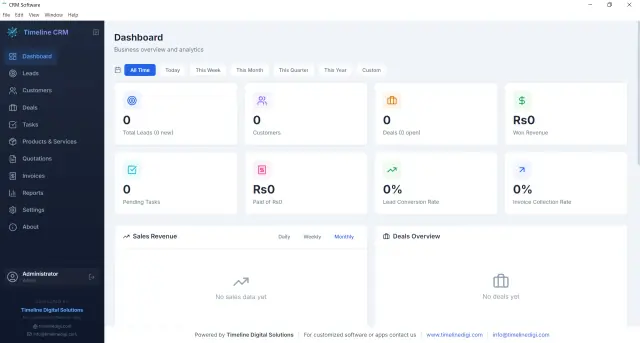
The Timeline CRM dashboard gives you an instant snapshot of your business health. At a glance, you can see your total leads, active deals, revenue figures, pending tasks, and recent activity. Visual charts help you understand sales trends and pipeline distribution without digging through individual records.
Every widget on the dashboard is designed to surface the information that business owners check most frequently, so you spend less time searching for data and more time acting on opportunities. The clean, modern interface is easy to navigate whether you are a CRM veteran or using one for the very first time.
How Timeline CRM Compares
See how Timeline CRM stacks up against the alternatives that small businesses typically use to manage their customer relationships and sales processes.
| Feature | Timeline CRM | Cloud CRM | Spreadsheets |
|---|---|---|---|
| Cost | Free Forever | $15-150/mo per user | Free or low cost |
| Works Offline | Yes, always | No | Partially |
| Data Privacy | 100% Local | Third-party servers | Varies |
| Lead Pipeline | 7-Stage Pipeline | Yes | Manual |
| Invoicing & Quotations | Built-in + PDF | Often add-on cost | Not available |
| Setup Time | Under 2 minutes | Hours to days | Hours of formatting |
| Unlimited Records | Yes | Tier-dependent | Performance issues |
Ready to Take Control of Your Business?
Download Timeline CRM today and start managing your leads, customers, deals, and invoices — all from one free desktop application. No sign-up required, no internet needed, no strings attached.
Download Free CRM SoftwareVersion 1.0.0 • Windows 10/11 • 64-bit
Frequently Asked Questions
Everything you need to know about Timeline CRM before you download.
Yes, Timeline CRM is completely free. There are no paid tiers, no feature restrictions, no trial periods, and no credit card required. You get access to every module and every feature at no cost. We built Timeline CRM because we believe small businesses deserve access to powerful tools without the financial burden of monthly subscriptions.
No. Timeline CRM is a desktop application that runs entirely on your computer. All data is stored locally using SQLite, so you never need an internet connection to access your leads, customers, deals, or invoices. This also means your data is never uploaded to any external server, giving you complete privacy and control.
Timeline CRM currently supports Windows 10 and Windows 11 (64-bit). It is built with Electron, which provides a native desktop experience with a modern, responsive user interface. The installer sets up everything you need automatically.
All your data is stored locally on your computer in a SQLite database. Nothing is ever sent to the cloud or any external server. This means you have full ownership and control of your business information. Your customer data, financial records, and sales pipeline remain completely private. You can back up your data simply by copying the database file.
Yes. Timeline CRM includes full invoicing and quotation modules with automatic numbering, line item management, tax calculations, and PDF generation. You can create professional-looking documents in seconds by selecting products from your catalog, adjusting quantities and pricing, and exporting the result as a polished PDF ready to share with your customers.
There are no limits. You can add as many leads, customers, deals, products, invoices, and quotations as your business needs. Since the data is stored in a local SQLite database, the only practical limit is your computer's storage capacity, which is effectively unlimited for CRM data.
Yes. Timeline CRM supports CSV export for your records and reports, making it easy to transfer data into other tools or perform additional analysis in spreadsheet applications. Invoices and quotations can be exported as professionally formatted PDF documents.
Timeline CRM is developed by Timeline Digital Solutions, a software company focused on building practical digital tools for businesses. You can learn more about our work at www.timelinedigi.com or contact us at info@timelinedigi.com.